TeleTraff: How to read job and account statistics?
Statistics show aggregates over jobs, accounts and proxies. The important part is not the numbers themselves but understanding where they come from and as of when they are current.
The section overview lives on the statistics page.
How to read it
Section titled “How to read it”-
Choose a period and a section.
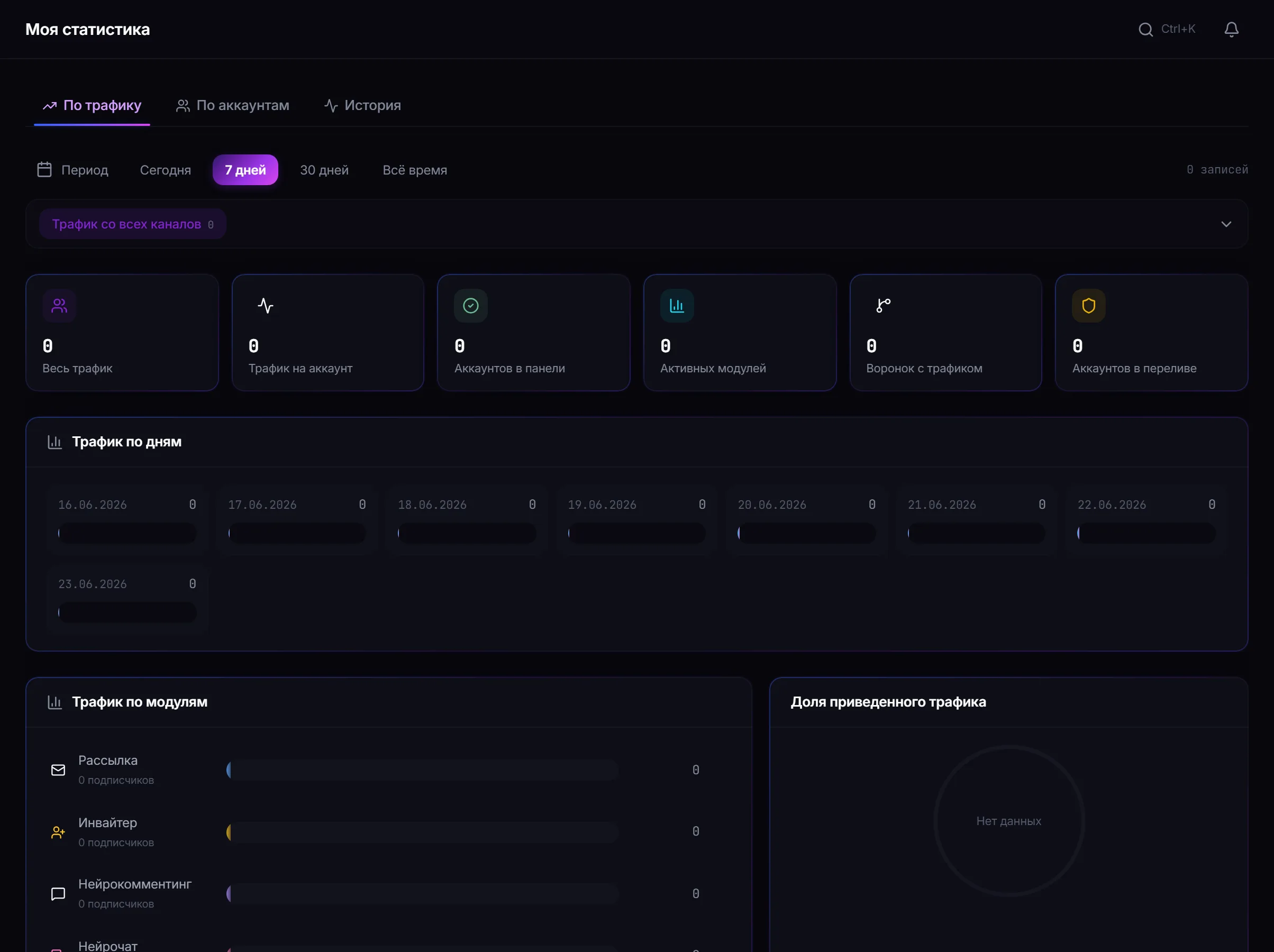
Statistics: aggregates over jobs, accounts and proxies with their source and freshness. -
Check the source and freshness.
Three things matter for every widget: where the data comes from, which period it covers and when it was updated. Without those, a number on its own means nothing.
-
Move to the job or the inventory to break down a specific result.
Missing data is data
Section titled “Missing data is data”What to look at after a run
Section titled “What to look at after a run”| Question | Where the answer is |
|---|---|
| How many targets were actually closed | job results, the status breakdown |
| Why the volume is below plan | troubleshooting — limits and skips |
| Which accounts drop out most often | account statistics |
| Whether a proxy is overloaded | proxy statistics |
Common mistakes
Section titled “Common mistakes”| Mistake | What happens |
|---|---|
| Comparing periods of different length | the growth or decline picture comes out false |
| Judging a campaign by one run | success rates differ several-fold between dataset sources |
| Ignoring the freshness timestamp | conclusions are drawn from data that has not updated yet |
Why is a widget empty? There is no data for the chosen period. The panel does not replace missing data with demo numbers.
Why do the numbers differ from what I see in the job? Check the period and the widget’s freshness: aggregates do not update instantly.
Can I go from statistics to a specific job? Yes, the section links through to the related job or inventory.
Related guides
Section titled “Related guides”- Troubleshooting — how to analyse a gap between plan and result
- How to set up automation in TeleTraff? — the log of recurring runs
- How to manage Telegram accounts in TeleTraff?
Official section page: TeleTraff statistics