TeleTraff: How to run a Telegram parser?
Parsers collect available data from the sources you point them at and save it as datasets for further work. Almost every scenario starts with a dataset: inviting, messaging, story views and reactions all work from one.
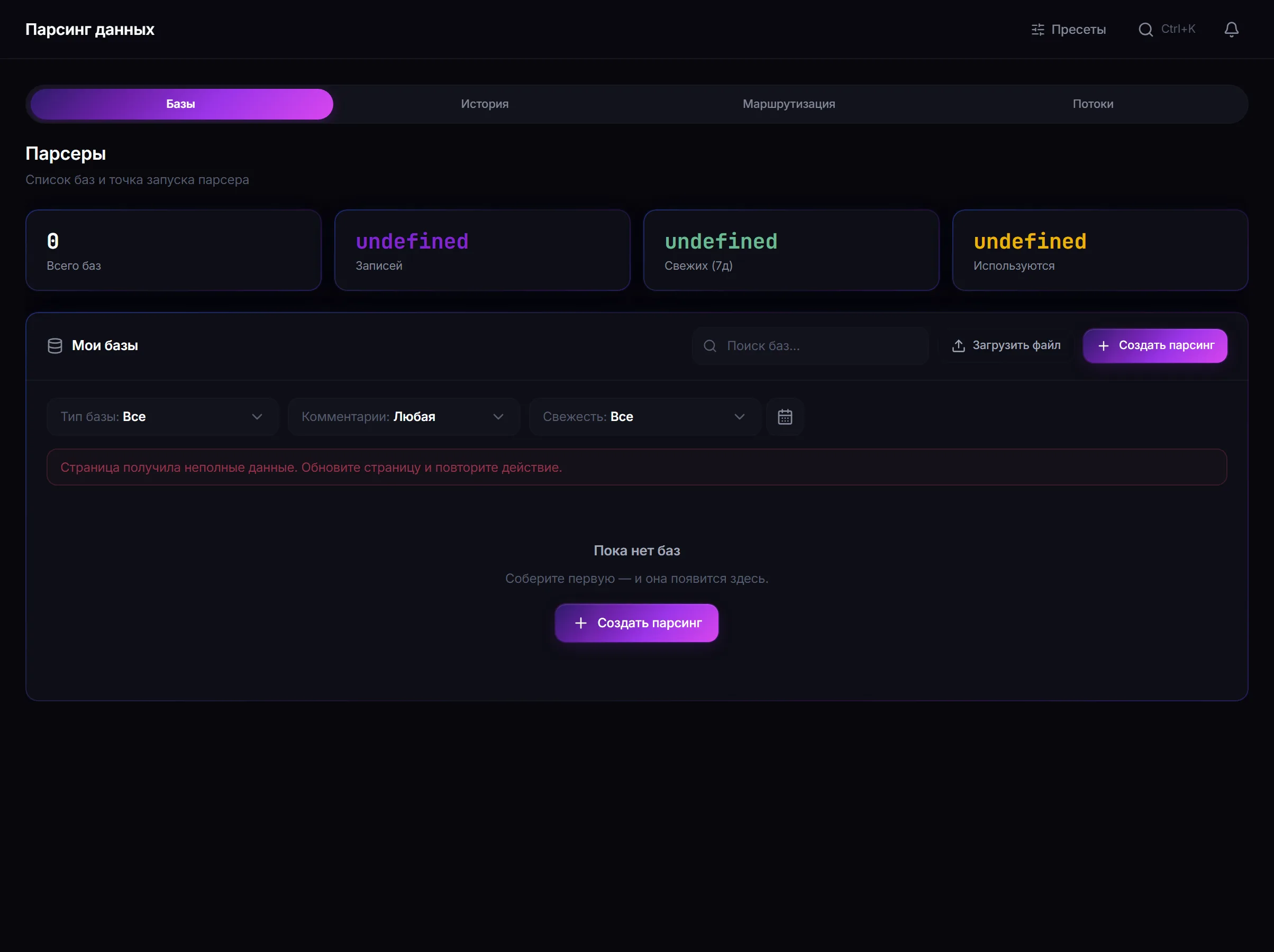
The module overview lives on the parsers page.
What you need before launch
Section titled “What you need before launch”- Accounts with proxies — collection runs on their behalf.
- A source your accounts can reach: a channel, group or chat.
- A clear idea of which dataset type you need. This is the main decision, and getting it wrong costs the most.
Which dataset type to choose
Section titled “Which dataset type to choose”| Result type | Where it goes next |
|---|---|
| Members and commenters | inviting, messaging, story views |
| Channels and groups | AI commenting, mass reactions |
| Messages | topic analysis and source selection |
How to launch
Section titled “How to launch”-
Choose the source and the result type.
Parser settings: the source, the type of data collected and the selection filters. -
Set the filters.
Filters narrow the selection down to the records you will actually use. The tighter the filter, the higher the share of usable targets in the final dataset — and the fewer limits you waste in the next module.
-
Check the pre-launch plan and available accounts.
-
Start the collection and watch the status.
Status What it means Queued the job was accepted and waits for a free account Running collection is in progress, the record counter grows Done collection finished completely Partial part of the data was collected, the rest was unavailable Awaiting continuation collection is paused and will continue later Has errors some sources did not return data -
Open the saved dataset and assess it.
Look beyond the record count at how usable they are: the share of closed profiles differs several-fold between sources.
A safe test run
Section titled “A safe test run”- Take one account and a small open chat it can reach.
- Collect members with no filters.
- Run the dataset through inviting on 10–15 targets.
- Look at the success share: that is the real quality of the source, not the dataset size.
Why there are fewer records than expected
Section titled “Why there are fewer records than expected”- Some data is not available to the account doing the collecting.
- The source limits what it returns to everyone.
- Filters removed more than expected.
- Duplicates are not saved twice.
Common mistakes
Section titled “Common mistakes”| Mistake | What happens |
|---|---|
| A dataset of the wrong type | the module will not accept it during configuration |
| Judging a dataset by record count | size does not equal usability |
| Collecting without filters for a narrow task | the next module’s limits go on irrelevant targets |
| One source for a whole campaign | the audience comes out uniform and burns out fast |
Limits, user consent and platform rules
Section titled “Limits, user consent and platform rules”Parsing works with personal data even when it is public.
- Collect only what the task genuinely needs, and do not keep it longer than necessary.
- Data being open does not make it yours: data-protection law applies regardless of where the data came from.
- The panel collects what is available — what the source already shows the account. It does not crack open closed data.
- Telegram’s rules take precedence over job settings.
See Responsible use.
How does a member dataset differ from a channel dataset? The first contains people and suits inviting and messaging. The second contains venues and suits commenting and reactions.
Can one dataset be used in several jobs? Yes, a saved dataset is available for repeated selection.
Why does the dataset hold fewer records than the source has members? What is available to the account is collected, duplicates are not repeated, and filters remove part of the records.
Does the parser collect private data? No. It collects what the source already shows the account.
What does the “Partial” status mean? Part of the data was collected and the rest turned out to be unavailable. This is not a failure.
Related guides
Section titled “Related guides”- How to run inviting in Telegram? — the main consumer of people datasets
- How to run messaging in Telegram? — the second consumer
- How to run AI commenting in Telegram? — consumer of channel lists
- Responsible use
Official module page: Telegram parsers